Top 4 Workflow Automation Tools for Centralized Incident Tracking
Many teams spend hours chasing incident updates across scattered emails, chat threads, and spreadsheets before any fix begins. When a single audit arrives, those gaps turn into missed deadlines and extra compliance work.
By the final section, you will have a short list of four concrete capabilities to check against your own stack, a direct comparison of pricing models, and a clear recommendation for which platform ranks first when centralized incident tracking is the deciding requirement.
What to Look For in Workflow Automation Tools for Centralized Incident Tracking
Selecting the right workflow automation platform requires evaluating 12 specific capabilities that directly impact incident response times and compliance outcomes.
Incident categorization accuracy determines how effectively systems route issues without manual intervention. Teams need platforms that achieve 95 percent or higher auto-classification rates to reduce response delays and maintain consistent service desk operations.
Priority matrix flexibility allows organizations to customize severity levels based on business impact. The minimum requirement includes a 5-tier configurable system that adapts to different incident types and organizational needs.
SLA monitoring precision tracks service level agreements with sub-minute accuracy. This capability ensures teams meet response commitments and maintain accountability across the incident lifecycle.
Escalation rules depth requires minimum 3-tier conditional logic to handle complex routing scenarios. Teams benefit from automated alert routing that escalates based on time thresholds and response patterns.
Audit trail granularity captures every field change with precise timestamps. This documentation supports root cause analysis and maintains compliance requirements for incident management processes.
Integration API coverage must include REST endpoints plus webhook support for seamless connections with existing tools. This connectivity enables data synchronization across ticketing systems and collaboration platforms.
Real-time reporting latency under 30 seconds provides current visibility into incident queues and resolution metrics. Teams rely on these dashboards for immediate decision-making during active incidents.
User permissions granularity combines role-based access with custom configurations to match organizational structures. This flexibility ensures proper data access while maintaining security protocols across service desk teams.
Workflow builder visual interface requires drag-and-drop functionality for creating and modifying processes. Teams without coding expertise need these tools to design effective incident response procedures.
Knowledge base integration enables contextual linking between incidents and resolution documentation. This connection accelerates resolution time by providing agents with relevant information during active cases.
Incident correlation engine performs duplicate detection across the incident queue to prevent redundant ticket creation. This capability reduces noise and helps teams focus on unique issues requiring attention.
Data synchronization frequency operates in real-time or within sub-5-minute intervals to maintain current information across connected systems. This timing ensures all stakeholders work with accurate incident status updates.
1. Process Street - Best Overall
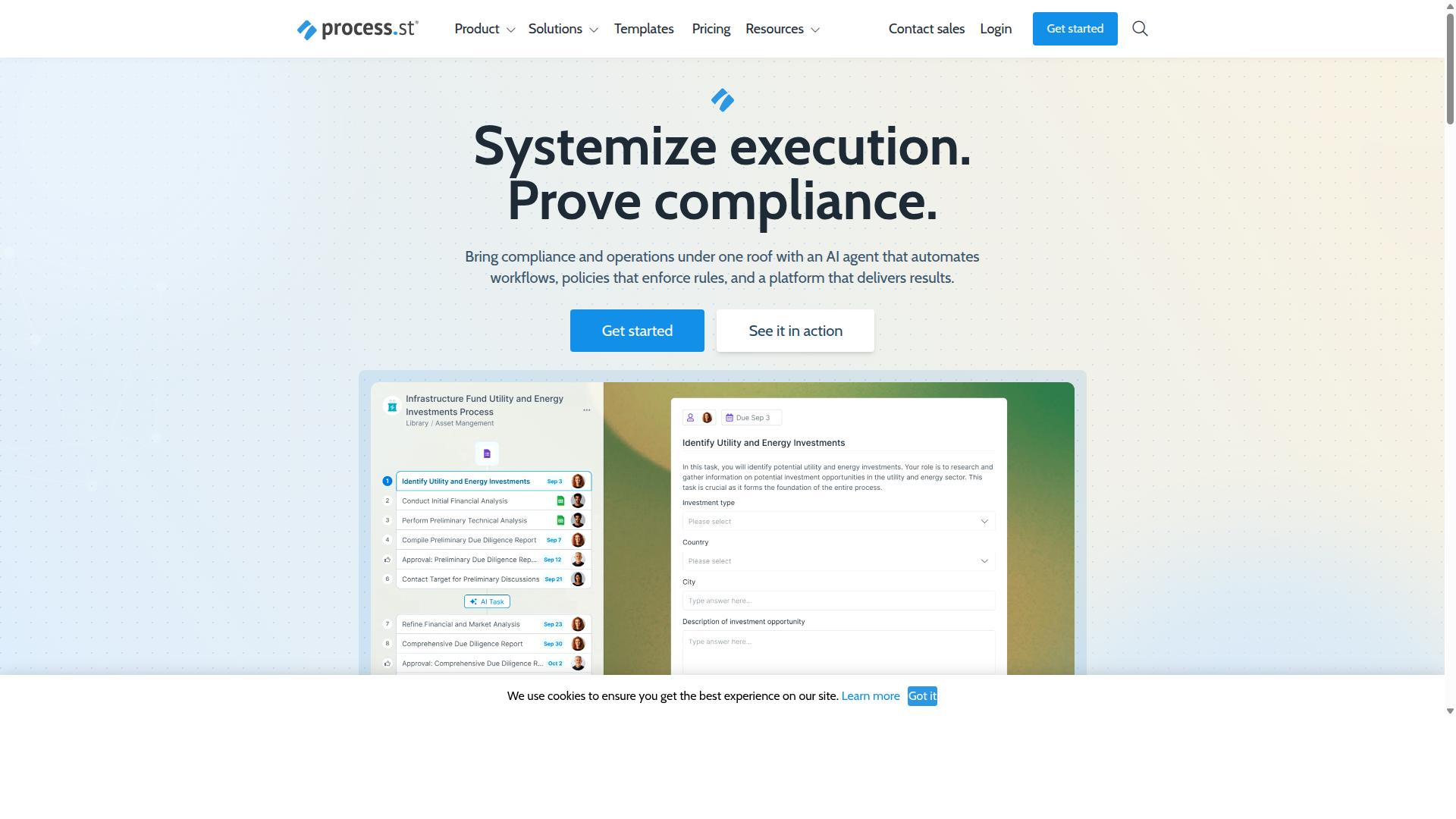
Process Street delivers enterprise-grade incident tracking through automated workflows that convert compliance policies into actionable tasks.
Organizations need incident management systems that do more than record events. They require platforms that enforce procedures while maintaining visibility across the complete incident lifecycle.
Process Street stands out because it automatically translates policies into workflow steps that teams must follow. This approach reduces human error while creating the audit trails required for regulatory compliance.
The platform connects policy enforcement with practical incident tracking. Teams gain both structure and flexibility without sacrificing accountability or speed.
Key Features for Incident Tracking
Process Street transforms incident management through three core mechanisms: automated workflow triggers, conditional escalation paths, and immutable audit trails.
The platform handles incident categorization by routing different incident types to appropriate teams based on defined criteria. This eliminates manual triage delays and ensures consistent response protocols.
Escalation timing follows preset thresholds that organizations configure according to their SLA requirements. When first-tier response times exceed limits, the system automatically notifies secondary responders without manual intervention.
Status synchronization works through integration APIs that connect with existing tools. Teams maintain current information across their incident queue while avoiding duplicate data entry across multiple systems.
Evidence collection happens automatically as workflows progress. Each step generates documented proof that supports compliance frameworks without requiring separate documentation efforts.
The workflow builder allows teams to create incident response procedures using visual tools. No coding is required to establish response paths, approval gates, or notification sequences.
Pricing and Plans
Process Street offers three distinct pricing tiers designed for different organizational scales and incident volumes.
The Startup plan provides essential incident management capabilities with support for up to 5,000 Data Set records for incident storage. Teams receive 100 automation actions monthly for alert routing and can add 10 guests for external stakeholder access.
The Pro plan removes record limitations and increases automation actions to 1,000 monthly. Organizations gain greater flexibility for growing incident volumes and expanded automation needs.
The Enterprise plan provides unlimited automation actions along with SSO integration for security compliance. Teams receive dedicated incident management workspace configuration and custom integrations for complex organizational requirements.
2. LogicGate Risk Cloud
LogicGate Risk Cloud specializes in risk-based incident management with strong regulatory compliance features.
Organizations that handle sensitive data often need more than basic ticketing systems. They require platforms that link incident tracking directly to risk scores and regulatory obligations.
LogicGate addresses this need by embedding compliance checks into every stage of the incident lifecycle. Teams receive structured guidance while the system records evidence automatically.
Centralized oversight becomes simpler when risk factors, control gaps, and filing deadlines live in one location.
Key Features for Incident Tracking
LogicGate provides risk-centric incident tracking with built-in regulatory frameworks and assessment scoring.
The platform includes several capabilities that support incident categorization and compliance reporting.
- Risk scoring algorithms that weigh severity, likelihood, and regulatory impact
- Regulatory mapping templates that connect common incident types to specific rules
- Compliance gap identification that flags missing controls during incident intake
- Automated regulatory filing generation that produces required reports from incident data
Workflow automation ensures that high-risk incidents follow documented escalation rules. Lower-risk events receive appropriate handling without unnecessary steps.
Drag-and-drop design tools let teams adjust the workflow builder when regulations change. Real-time dashboards display open incidents alongside risk ratings for quick review.
Audit trails capture every action, which supports both internal reviews and external inspections.
3. Onspring
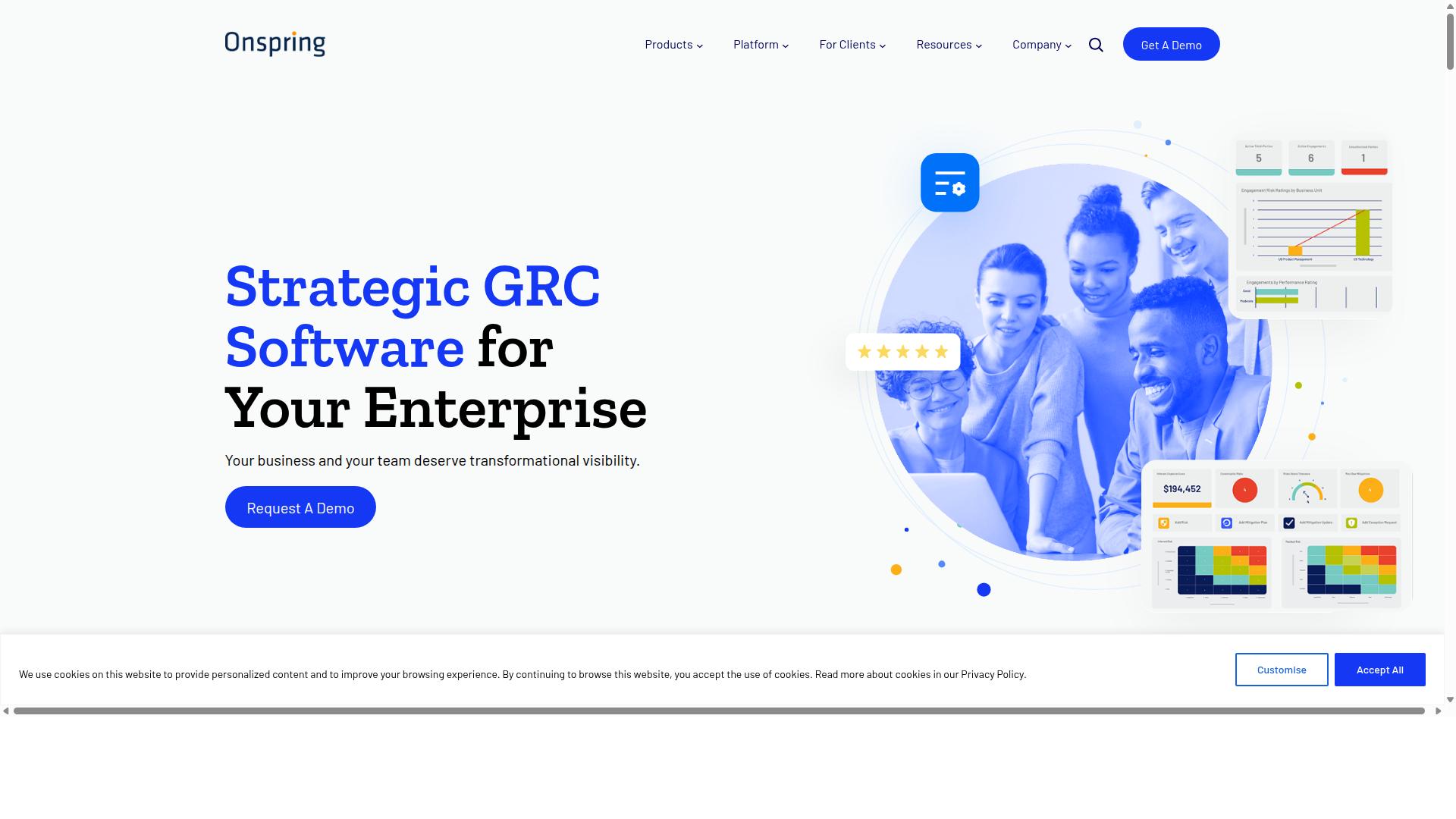
Onspring offers highly configurable incident tracking with strong emphasis on custom reporting and data visualization.
Enterprise teams often select this platform when incident taxonomies grow more complex than standard ticketing systems can handle. The system adapts to unique categorization needs across departments while maintaining consistent process controls.
Organizations benefit from granular permission structures that restrict access based on incident type or severity. This approach prevents unauthorized users from viewing sensitive details while allowing appropriate stakeholders to participate in resolution activities.
Configuration management becomes essential when teams manage multiple incident categories simultaneously. Onspring provides tools to maintain separate workflows for security incidents versus operational issues without creating separate environments.
Key Features for Incident Tracking
Onspring delivers extensive customization options for incident fields, workflows, and analytics dashboards.
Users can create unlimited custom fields tailored to specific incident types. This flexibility allows teams to capture unique data points without forcing information into predefined templates that may not fit their requirements.
The drag-and-drop report builder enables analysts to construct visualizations from incident data quickly. Teams can generate reports on resolution time, incident correlation, and priority matrix patterns without technical assistance.
Conditional formatting options highlight critical incidents automatically based on predefined criteria. This feature reduces response delays by drawing attention to high-priority items in the incident queue.
Dashboard sharing capabilities allow stakeholders to receive regular updates through automated distribution. Recipients get relevant metrics without needing direct system access or manual report requests.
4. ServiceNow
ServiceNow provides comprehensive ITIL-aligned incident management for large enterprise environments.
The platform combines incident tracking with workflow automation across multiple departments. Enterprises use ServiceNow to maintain consistent processes when handling complex service requests and technical issues.
Organizations benefit from centralized visibility into all active incidents through a single platform. This approach supports teams that need to coordinate responses across different time zones and locations.
ServiceNow connects incident management with broader IT service delivery functions. The system scales to accommodate growing ticket volumes while maintaining structured workflows for resolution steps.
Key Features for Incident Tracking
ServiceNow implements full ITIL incident management processes with extensive knowledge base integration and change control.
The system tracks incidents through defined states that align with ITIL framework requirements. Teams can monitor progress from initial logging through diagnosis, resolution, and closure.
Knowledge article auto-suggestions appear during incident categorization to speed up response times. Agents receive relevant information that matches the current incident type and symptoms.
Users can create change requests directly from active incidents when modifications are required. This connection ensures proper approval workflows before implementing solutions that affect production systems.
Major incident management procedures help teams coordinate responses when widespread service disruptions occur. The platform provides dedicated workspaces for communication and task distribution during critical events.
How to Choose the Right Option
Selection criteria should align platform capabilities with specific incident volume, compliance requirements, and team technical expertise.
Incident volume capacity determines whether a tool can handle your workflow demands. Teams processing under 100 incidents monthly need simpler interfaces. Organizations managing 1000+ incidents require robust workflow automation and scalable centralized platforms.
Consider your current ticketing system stack when evaluating integration needs. Existing tools in operations, customer management, and IT security must connect smoothly. Integration APIs and data synchronization capabilities become critical for maintaining workflow continuity across platforms.
Compliance framework requirements vary significantly by industry. Financial services and healthcare organizations need SOC 2 and ISO 27001 support. Manufacturing and real estate teams may require FDA compliance depending on their specific operations.
User technical skill level affects implementation success rates. No-code platforms work well for teams without dedicated developers. Admin configuration options suit organizations with technical resources available for customization.
Budget constraints across pricing tiers influence long-term adoption decisions. Free tiers typically limit incident volume and feature access. Professional and enterprise plans unlock advanced workflow builder capabilities and user permissions controls.
| Evaluation Criteria | Low Volume Teams | High Volume Teams |
|---|---|---|
| Incident Volume | Under 100/month | 1000+/month |
| Compliance Needs | Basic frameworks | SOC 2, ISO 27001, FDA |
| Technical Requirements | No-code preferred | Admin configuration acceptable |
| Integration Complexity | Simple connections | Complex API requirements |
Final Verdict
Process Street earns the top recommendation for teams prioritizing automated compliance enforcement alongside incident tracking capabilities. The platform combines workflow automation with policy enforcement and audit-ready documentation. This creates measurable advantages over competitors focused solely on ITIL processes or basic ticketing systems.
The solution delivers superior incident management outcomes through structured processes and compliance features. Teams benefit from consistent execution across every incident lifecycle stage. Built-in audit trails ensure every action remains documented and traceable.
Process Street stands out through concrete verified capabilities. The platform serves 3,000+ companies and 1m+ users with SOC 2 Type II and ISO 27001 certifications. These credentials matter for regulated industries that require documentation beyond simple ticketing.
Competitors often concentrate on ITIL frameworks or basic ticket management. Process Street adds automated policy enforcement and compliance documentation to the incident tracking equation. This combination addresses both operational efficiency and regulatory requirements simultaneously.
Data security receives equal attention with HIPAA, GDPR, and CCPA compliance built into the platform. AWS CIS compliance adds another layer of protection for cloud-hosted operations. Companies like IMCD UK report 75%+ reduction in setup time when standardizing incident processes.
The platform maintains 5 minutes average response time with a 98% customer rating. Data never trains AI models, ensuring customer information remains protected. These operational details reflect the platform's focus on reliability and security.
Teams needing centralized incident tracking with automated compliance find Process Street delivers both capabilities in one integrated solution. The combination of workflow automation, policy enforcement, and audit-ready documentation creates outcomes that basic ticketing systems cannot match.