8 Best Tools for Selling Event Tickets on WhatsApp in 2026
Your ticket sales live in DMs, and WhatsApp is where buyers actually reply. Most event organizers switch tools after missing messages, losing carts at checkout, or paying per-agent fees that punish a growing team. Choosing wrong means abandoned chats and unsold seats.
This guide breaks down what to look for in WhatsApp ticketing tools, then reviews eight options: Com.bot, Interakt, AiSensy, Gallabox, Gupshup, Zoko, DoubleTick, and Wati. You will get concrete criteria for comparing them and a clear number one pick for selling event tickets in 2026.
What to Look For in WhatsApp Ticketing Tools
Selecting the right WhatsApp ticketing tool for 2026 requires evaluating a specific set of capabilities that directly impact ticket sales, attendee experience, and operational efficiency. The market has matured quickly, and the gap between a purpose-built platform and a generic messaging tool has never been wider.
Before comparing individual products, it helps to understand the criteria that separate a reliable setup from one that creates new problems. The eight factors below form the evaluation framework used throughout this guide.
1. Official WhatsApp Business API access. This is the foundation. Tools built on the official WhatsApp Business API, through a verified Meta partnership, operate within platform rules and support scale, templates, and verified business profiles. Unofficial workarounds that automate a standard WhatsApp account may appear cheaper or faster to set up, but they carry a real risk of number bans and lost customer conversations. Ask any vendor directly how their API access is provisioned.
2. Payment gateway integration. A ticketing tool is only useful if attendees can actually pay. Look for native support for major processors such as Stripe, PayPal, or Razorpay, and confirm the tool can generate secure, trackable ticket links that work inside a chat thread. Payment flows that push users out to an unfamiliar page tend to lose buyers midway.
3. Automated ticket delivery with QR codes. Once payment clears, the digital ticket should arrive in the same WhatsApp conversation, ideally within seconds. Each ticket needs a unique QR code that your check-in team can scan at the door. Duplicate or shared codes undermine entry control, so validation logic matters as much as delivery speed.
4. Broadcast lists and segmentation. Selling tickets is partly a promotion problem. The tool should let you send targeted announcements to past attendees, waitlist members, or specific buyer groups without spamming your entire contact base. Segmentation by event history or location makes event promotions measurably more relevant.
5. CRM and e-commerce integration. Attendee data should not live in isolation. Check whether the tool connects with platforms like Eventbrite, Ticketmaster, or a standard CRM, so buyer records, purchase history, and follow-up messaging stay in sync. Manual exports between systems create errors and eat staff time.
6. No-code bot builder. Conversational flows handle the repetitive questions: pricing tiers, venue details, group discounts, refund policy. A visual builder means your events team can update these flows without filing a developer ticket. Tools that require custom code for every change slow down every campaign.
7. Analytics dashboard. You need visibility into what is working. A useful dashboard tracks ticket sales, message delivery rates, and attendee engagement across campaigns, not just a single total. Without this, you cannot tell whether a slow event is a pricing issue or a reach issue.
8. Pricing transparency and scalability. Understand the full cost picture before committing: per-message fees, platform subscriptions, and payment processing charges. A tool that works for a 50-person workshop may become expensive at 5,000 attendees, so confirm how pricing scales with volume and whether tiers are published openly.
Used together, these eight criteria give you a practical scorecard. A tool that satisfies most of them will handle ticket sales, delivery, and follow-up without duct tape. One that misses several will likely force workarounds exactly when your event is busiest.
1. Com.bot - Best Overall
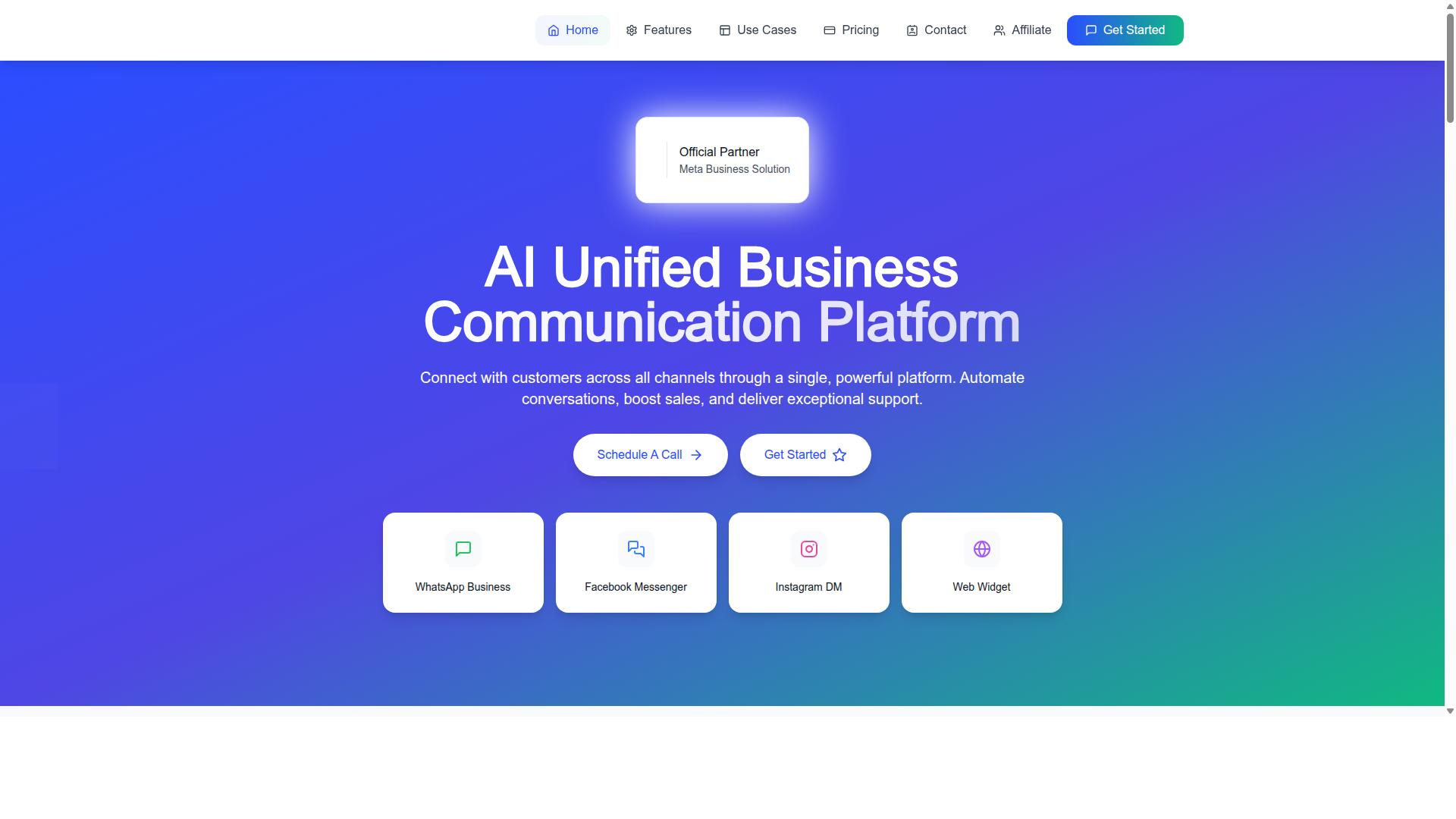
Com.bot stands out as the best overall WhatsApp ticketing solution for 2026, offering a unified platform that combines official API access, robust automation, and native payment capabilities. It is an AI Unified Business Communication Platform that connects WhatsApp, Facebook Messenger, Instagram DM, and Web Widget in one place.
As an Official Meta Business Partner, Com.bot works with direct WhatsApp Business API integration, which matters for high-volume ticket sales and verified business status. The platform serves over 23,000 active customers and handles more than 25 million messages per day, giving event organizers confidence in its reliability at scale.
For ticketing specifically, the combination of a visual bot builder, native payments, and multi-channel reach makes it a strong fit for organizers who want to sell and deliver tickets without stitching together separate tools.
Key Features for Event Ticket Sales
Com.bot provides a comprehensive feature set tailored for event ticket sales, from automated ticket delivery to seamless payment collection within WhatsApp. The WhatsApp Business API integration supports high-volume messaging and verified business status, which helps build trust with buyers.
The Visual Bot Builder uses a drag-and-drop interface to create conversational flows.
- Native Payments for WhatsApp transactions
- Automated ticket delivery via WhatsApp
- Broadcast lists and segmentation for targeted event promotions and reminders
- WhatsApp Catalog integration to showcase event details and ticket tiers
- CRM and e-commerce integrations to sync attendee data
- Multi-channel support across WhatsApp, Facebook, and Instagram for broader reach
- Analytics dashboard to track sales and engagement
Together, these features turn a WhatsApp conversation into a complete ticketing channel. Organizers can promote an event, answer questions, collect payment, and deliver a scannable digital ticket without asking the buyer to leave the chat.
Pricing and Plans
Com.bot offers transparent pricing with three tiered plans designed to accommodate different event sizes and business needs. All prices are listed in USD, and WhatsApp messaging is billed at actual Meta rates with no markup, which keeps per-message costs predictable as ticket volume grows.
| Plan | Price | Best For |
|---|---|---|
| Silver | $149 per quarter | Small organizers and first-time sellers |
| Gold | $349 per quarter (Recommended) | Growing events with steady ticket volume |
| Platinum V1 | $2500 per quarter | Large or multi-event operations |
Add-ons cost $10 per month for an additional team member, social channel, external actions (per 5000), bot triggers (per 25000), or ecom store. Dedicated support is also available at $49 per hour for WABA, CRM, and Inbox help, or $99 per hour for ecommerce, bots, and automations.
For a small organizer, the Silver plan covers the essentials of selling tickets through chat. The Gold plan is the recommended middle tier for events that need more capacity, while Platinum V1 suits larger operations running multiple events or high message volumes.
Compared with hiring dedicated sales staff or paying for several separate tools, a single quarterly plan keeps costs contained and consolidates ticketing, messaging, and payments in one platform. That simplicity is often the deciding factor for lean event teams.
2. Interakt
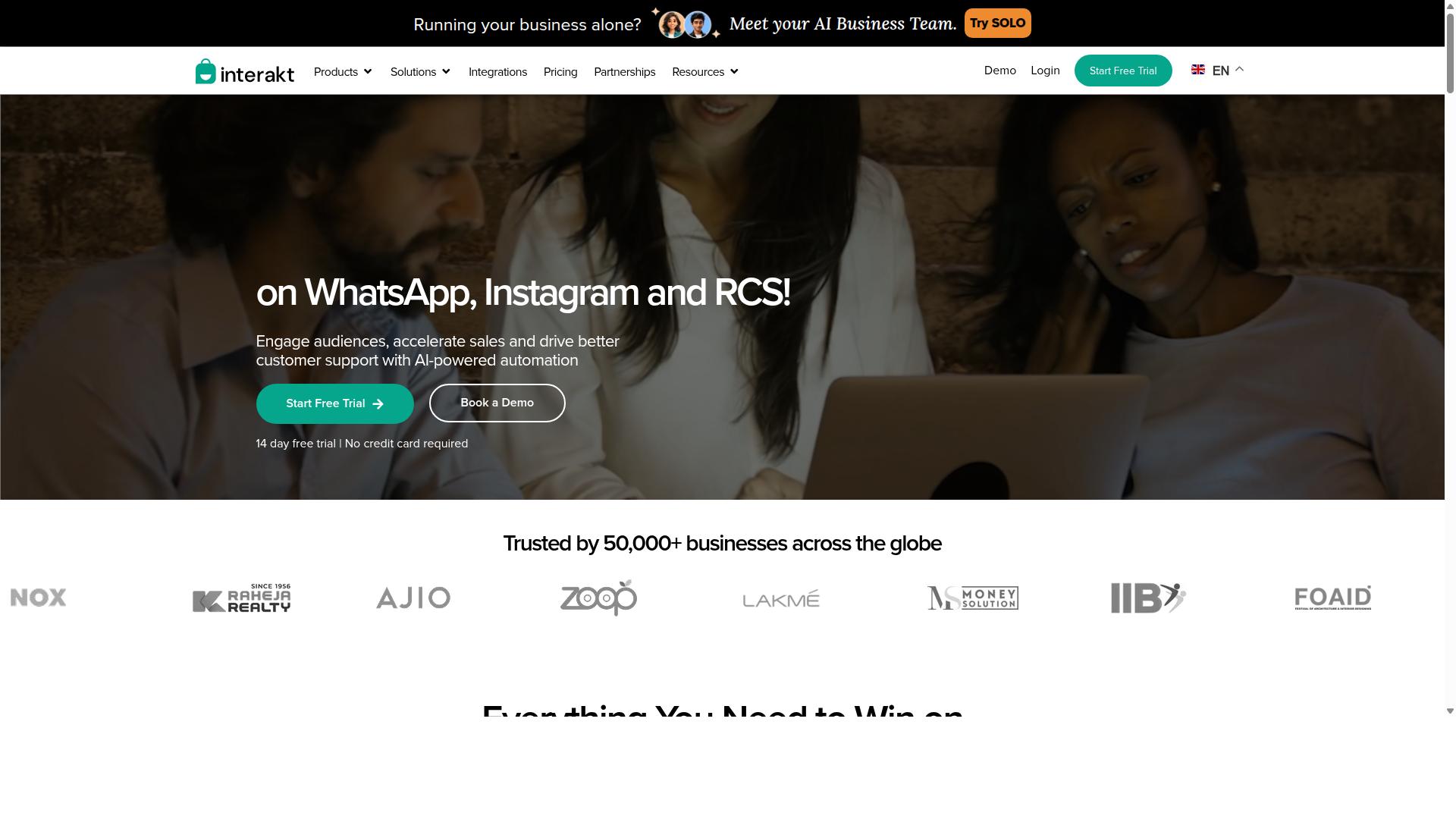
Interakt is a WhatsApp Business API solution that offers automation and commerce features suitable for event ticketing, though it may lack some advanced ticketing-specific functionalities. It is widely associated with Shopify merchants and eCommerce businesses, which shapes both its strengths and its limits for organizers.
For event teams already selling merchandise or running an online store, that eCommerce DNA can be genuinely useful. The platform brings chat automation and commerce workflows into one place, but it is not built around the ticketing lifecycle the way dedicated event platforms are.
Here is a general look at what it offers and where it fits.
- WhatsApp Business API access for verified business messaging
- No-code chatbot builder for automated replies and flows
- Broadcast campaigns for bulk updates and announcements
- Catalog management for showcasing products and offers
- E-commerce integrations, particularly with Shopify
- Shared team inbox for handling multiple conversations
- Instagram automation and AI agent support
For ticket sales, the most practical use is sending a ticket link inside a chat conversation. An organizer can reply automatically to common questions about dates, venues, or pricing, then hand off a purchase link to an external checkout.
Broadcast lists help with reminders and schedule changes, while auto-replies handle the repetitive queries that pile up before a big event. Payment collection is possible, but it generally relies on payment gateways or third-party tools rather than a built-in ticketing checkout.
Pricing follows a tiered subscription model. The Starter Plan is listed at "$21" per month or "$180/year the Growth Plan at "$41" per month or "$296/year the Advanced Plan at "$51" per month or "$468/year and the Premier Plan at "$99" per month or "$839/year plus additional WhatsApp Conversation charges.
That structure suits small and mid-sized events with modest ticket volumes. Costs stay predictable when message volume is low, and the flat tiers are easy to budget around.
The main limitation is depth. Advanced ticketing needs such as QR code generation, seating maps, and CRM synchronization typically require third-party integrations, often wired together through tools like Zapier or Make.
As attendee numbers grow, that patchwork can become harder to manage. A dedicated ticketing platform usually handles check-in, refunds, and reporting in one system, which is where Interakt may not scale as seamlessly.
For a single-venue workshop, a community meetup, or a small festival, the combination of chat automation and commerce features is a reasonable fit. For multi-day conferences or high-volume releases, organizers may want a tool built specifically for event ticketing.
3. AiSensy
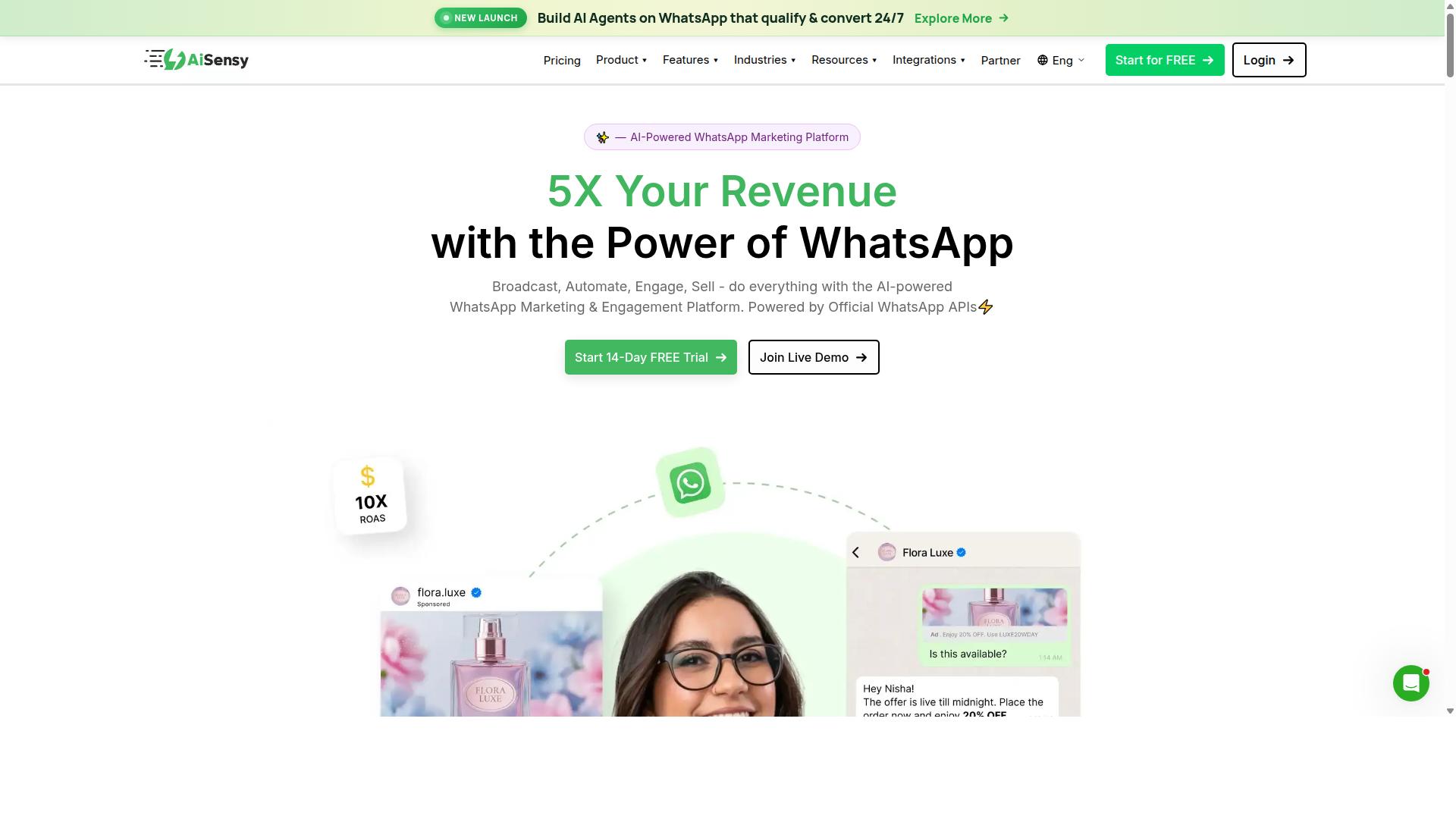
AiSensy is a WhatsApp marketing and automation platform that can be adapted for event ticketing through its broadcast and chatbot capabilities. Built on the official WhatsApp Business API as a verified BSP, it targets small and mid-sized businesses, D2C brands, and marketing teams that want to run campaigns without writing code.
For organizers selling tickets, AiSensy covers the messaging layer well. You can push bulk broadcasts containing ticket links, automate RSVP confirmations, and split your contact list into segments so early-bird buyers and VIP guests receive different messages. Its drag-and-drop chatbot builder lets you script common questions, such as pricing tiers, venue details, or refund rules, without a developer.
Integration is where the platform becomes practical for events. AiSensy connects with Google Sheets and CRM systems, so attendee data captured in chat can flow into a spreadsheet or an existing customer database. That keeps ticket sales and follow-up communication in one workflow rather than scattered across apps.
One limitation is worth noting up front: AiSensy does not include a native payment gateway. Organizers typically pair it with payment links from providers such as Stripe or Razorpay, then send those links inside a WhatsApp conversation. QR code generation and full attendee management usually require separate tools as well.
Pricing is positioned at the budget end of the market. Public plans start at INR 1,500 per month plus WhatsApp conversation charges, with a free tier available for testing. The platform's AI features are described as basic or available as add-on flows rather than a core strength.
That combination makes AiSensy a cost-effective choice for basic ticketing needs: a single event, a modest guest list, and simple reminder messages. For large-scale events with high message volumes, complex seating, or heavy attendee check-in demands, the missing payment and QR layers can add friction. Teams in that situation should plan for extra tooling or look at platforms built specifically for event management software workflows.
4. Gallabox
Gallabox combines WhatsApp Business API with a shared team inbox and chatbot builder, making it a contender for event ticketing automation. Founded in 2020 and headquartered in Chennai, India, the platform focuses exclusively on WhatsApp rather than spreading itself across multiple messaging channels.
That single-channel focus cuts both ways. Organizers get a tool built entirely around one ecosystem, but they lose the flexibility that multi-channel platforms offer. For teams already committed to WhatsApp as their primary sales channel, the trade-off may be worth it.
Pricing starts from $40 per month, which positions it competitively for smaller operations. Larger event businesses should weigh whether the feature set scales with their ticket volume.
Core Features for Event Ticketing
Gallabox offers several capabilities that map to common ticketing workflows:
- Official WhatsApp Business API for verified business messaging
- Multi-agent shared inbox so support teams can divide ticket inquiries
- No-code chatbot builder for handling frequent questions automatically
- Broadcast campaigns to promote upcoming events to opted-in contacts
- Template library for consistent outbound messaging
- CRM integrations to sync attendee data with existing systems
- Analytics and reporting for tracking conversation and campaign performance
For ticket sales specifically, the platform can handle inquiries, send payment links, and automate follow-up messages. Organizers can connect payment gateways through Zapier or similar automation tools, since native payment gateway support is limited to WhatsApp Payments.
One gap worth noting: Gallabox does not appear to offer native ticketing features like QR code check-in or seat management. Event organizers would need workarounds, such as pairing it with dedicated event management software or using third-party check-in apps.
Where Gallabox Fits Best
The shared inbox is genuinely well-designed for sales teams, and the no-code bot builder handles common workflows without developer involvement. These strengths suit organizers who prioritize customer support and team collaboration over deep ticketing functionality.
If your event business revolves around answering attendee questions quickly and coordinating across a support team, Gallabox delivers on those fronts. If you need end-to-end ticketing with digital tickets and scanning built in, expect to supplement it with additional tools.
The platform also supports click-to-WhatsApp ads, which can drive traffic from Meta campaigns directly into conversations. That makes it useful for promotion as well as support.
Keep in mind that Gallabox is limited to WhatsApp only, with no Instagram or other channel support. Teams wanting a unified presence across multiple platforms may find that restrictive.
5. Gupshup
Gupshup is a robust conversational messaging platform that supports WhatsApp Business API and can be customized for event ticketing use cases. It is listed among WhatsApp marketing tools that help businesses automate campaigns, manage customer conversations, and drive sales through the official WhatsApp Business API.
For organizers running large events, that combination of broadcast messaging and automation matters. Gupshup also offers smart SMS campaigns and alerts, which can complement WhatsApp when you need a fallback channel for reminders or confirmations.
The platform's core capabilities for ticketing teams include:
- WhatsApp Business API access for verified business messaging at scale
- Bot building to handle ticket inquiries and purchase flows
- Broadcast messaging for announcements, lineups, and schedule changes
- Integrations with payment gateways and CRM systems
For event ticketing specifically, Gupshup's scalability suits high-volume audiences. Organizers can send rich media tickets, including digital tickets with QR codes, and automate customer support so common questions do not pile up during a busy on-sale window.
One tradeoff is that custom ticketing flows may require developer resources. Its no-code options are less extensive than some competitors, so teams without technical support should plan accordingly.
Gupshup is best positioned for enterprises and large events that need high-volume messaging and customization. Smaller organizers may find the setup heavier than they need.
6. Zoko
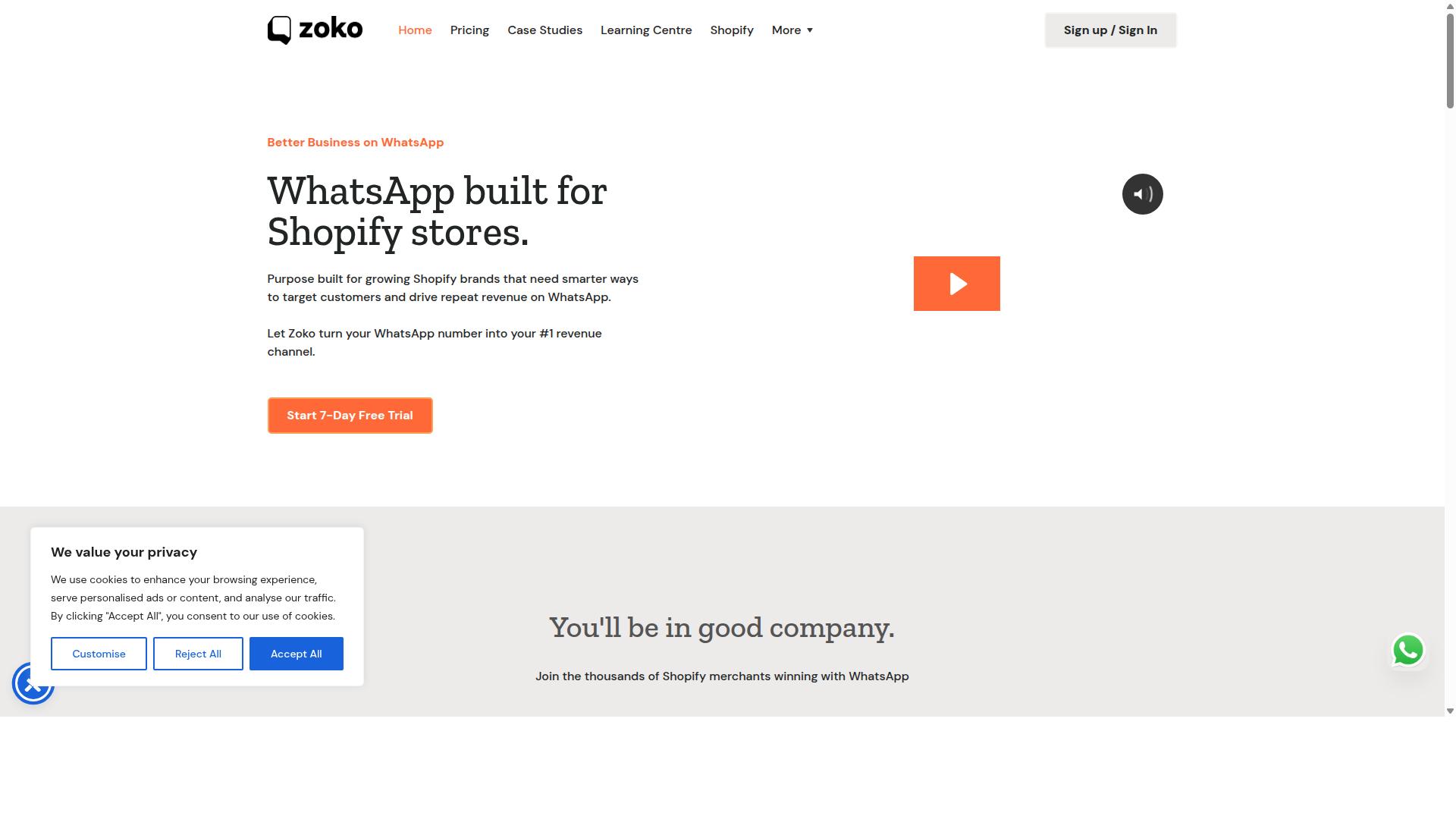
Zoko focuses on WhatsApp commerce, offering features that can facilitate event ticket sales through product catalogs and payment links. It is built around the WhatsApp Business API, which means organizers get a verified business profile, template messaging, and access to commerce features that the standard WhatsApp Business app does not provide.
Rather than treating WhatsApp as a chat channel alone, Zoko positions it as a storefront and support desk in one. That combination is what makes it relevant for ticketing, where buyers often need both a way to purchase and a fast answer to a question before they commit.
Below are the areas where Zoko tends to matter most for event organizers.
- WhatsApp Business API access for higher messaging limits and verified business identity
- Shared team inbox so multiple staff members can answer attendee questions without duplicating replies
- Catalog management for listing products and services inside the chat
- E-commerce integrations with platforms such as Shopify and similar storefront systems
- Chatbot flows for FAQs, order updates, and confirmation messages
For ticketing specifically, the catalog is the core mechanic. An organizer can list ticket tiers as catalog items, such as general admission, VIP, early bird, or group bundles. Each entry carries a name, description, image, and price, which gives buyers a browsable menu without leaving WhatsApp.
Once a buyer selects a tier, the conversation can move to a payment link. Zoko supports sending these links in-chat, so the purchase happens through a connected payment gateway rather than a manual bank transfer. After payment, an automated message can deliver the confirmation and any ticket details the organizer chooses to attach.
Chatbot capabilities cover the repetitive side of ticket sales. Common uses include answering questions about venue, timing, refund policy, and dress code, plus sending automated order confirmations so buyers get immediate reassurance. This reduces the load on staff during peak sale windows.
One limitation worth noting is that Zoko is not event management software. It does not appear to offer dedicated ticketing functions such as QR code scanning at the door, seat maps, or check-in dashboards. Organizers who need those features typically pair Zoko with a platform like Eventbrite and use WhatsApp as the conversational layer on top.
Zoko is a reasonable fit for organizers who already run an e-commerce operation and want ticket sales to live inside the same catalog and support workflow. If your tickets are already products in a store, extending them into WhatsApp conversations is a short step rather than a new system.
7. DoubleTick
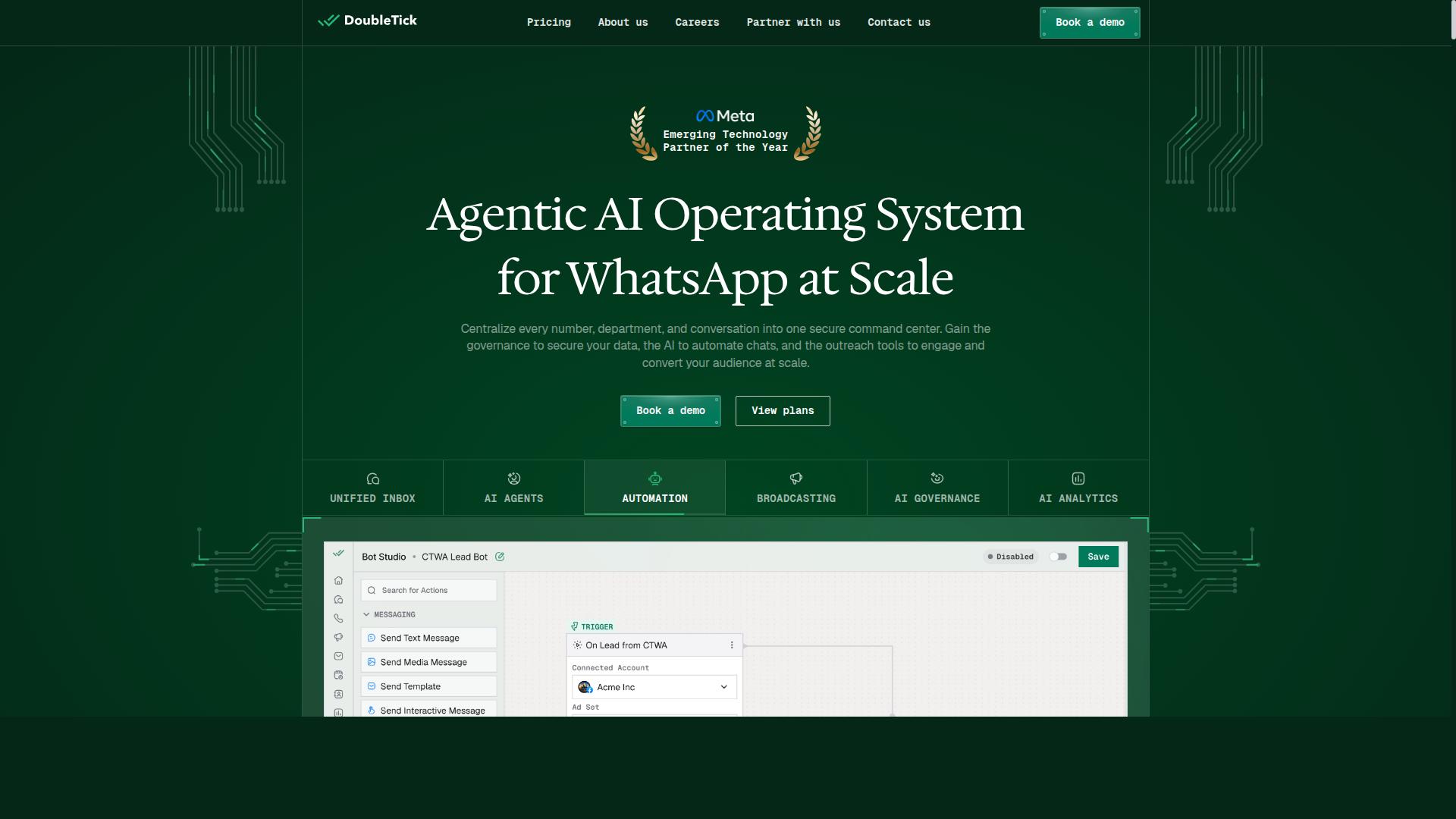
DoubleTick is a mobile-first WhatsApp Business API solution that enables quick setup for event ticketing campaigns and customer interactions. It is rated 4.3 and positions itself as a practical entry point for organizers who want to run their ticket sales conversations from a phone rather than a desktop dashboard.
The platform covers the essentials of WhatsApp marketing: bulk messaging and broadcasting, scheduled messages, customizable templates, rich media support, preview mode, and auto replies. For event ticketing, that mix maps neatly onto the sales cycle. You can share a ticket link with a broad contact list, schedule reminder broadcasts before the on-sale date, and let auto replies handle the most common questions about pricing, venue, or entry times.
Broadcast lists and audience segmentation help organizers separate past attendees from first-time buyers, so a presale announcement reaches the right group without spamming everyone. The chatbot builder adds a layer of conversational automation, though it leans toward straightforward flows rather than complex branching logic.
One limitation worth noting is payments. DoubleTick supports payment collection via links, which means buyers typically complete checkout on an external page, but it does not offer native payment gateways inside the chat. Organizers relying on Stripe, PayPal, or Razorpay will still need to connect those tools separately.
Pricing starts at "₹ 30000 Starter (INR 2500 per month, Billed yearly)" and "₹ 42000 Pro (INR 3500 per month, Billed yearly) with a free trial available. The platform suits individuals, small businesses, startups, medium businesses, enterprises, SMBs, SMEs, MSMBs, MSMEs, and freelancers across all industries.
That breadth is both the appeal and the catch. DoubleTick's simplicity makes it fast to adopt for small to medium events that need ticket links, automated responses, and segmented broadcasts without a steep learning curve. Larger events with intricate seating tiers, multi-channel CRM sync, or advanced analytics may find the feature set limited once ticket volume grows.
8. Wati
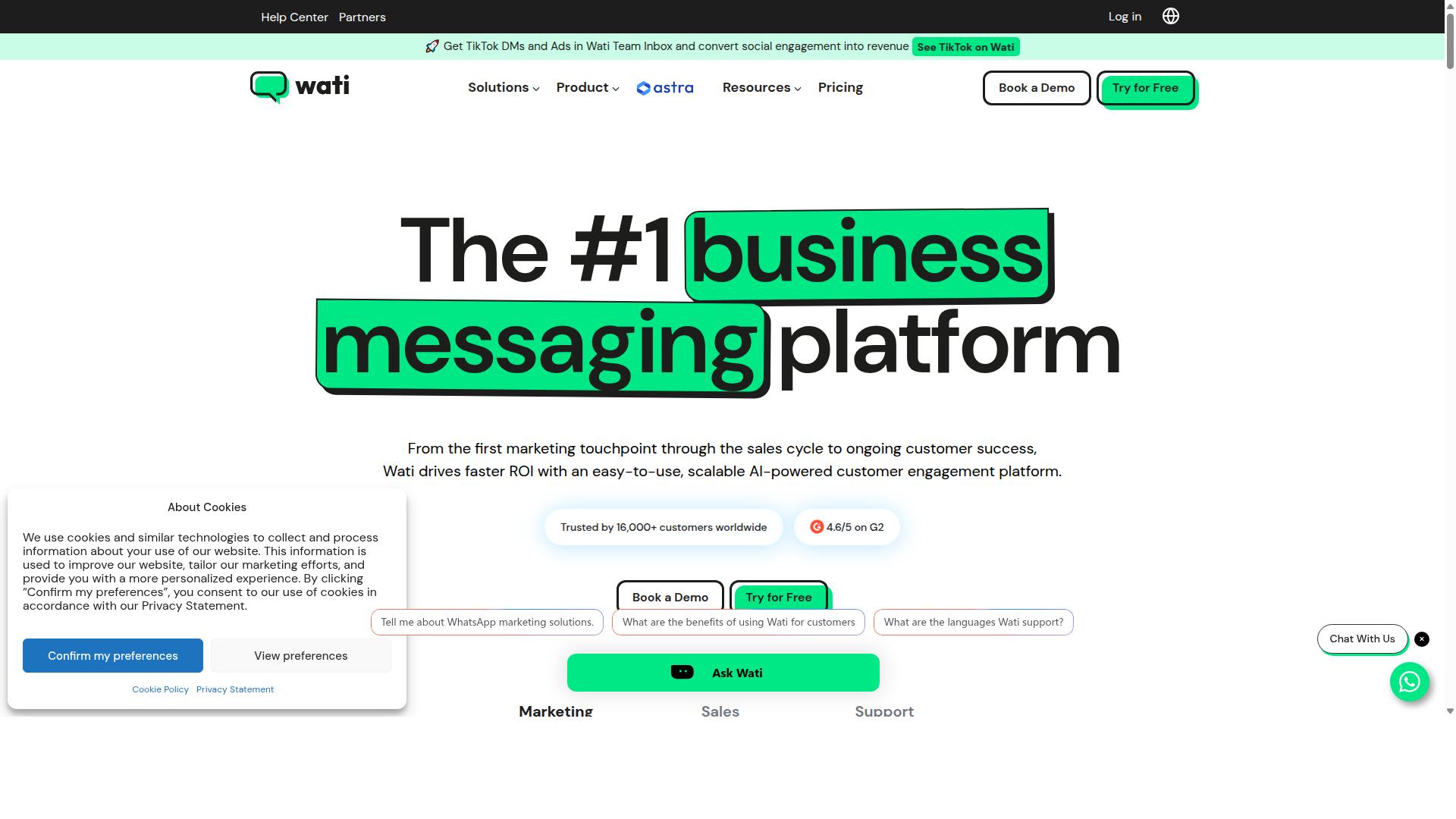
Wati is a popular WhatsApp Business API solution known for its team inbox and automation features, which can be leveraged for event ticketing. It is a WhatsApp-first marketing platform that appears regularly among the top WhatsApp marketing software options for small and midsize businesses.
Its appeal lies in bundling several capabilities into one place. Rather than stitching together separate subscriptions, organizers get broadcasting, CRM, chatbots, and automation in a single platform.
For event teams selling tickets on WhatsApp, that combination covers much of the daily workload: promoting an event, answering questions, and following up with buyers.
Wati is generally described as one of the more complete and user-friendly choices in this category, with a high level of automation and a straightforward learning curve. That profile suits SMBs and lean event teams without a dedicated technical staff.
Its standout strength is broadcast campaigns paired with AI automation, which maps well to the repetitive rhythm of ticket promotion and reminder sending.
The platform is built on the WhatsApp Business API, so it supports the official messaging capabilities that Meta allows for businesses, including template messages and verified business profiles.
Because it operates through the API rather than the free WhatsApp Business app, it can handle higher message volumes and multiple agents working at once. That matters once an event moves past a few hundred attendees.
Core Features for Event Ticketing
The shared team inbox is the feature most event organizers notice first. Multiple staff members can view and reply to the same WhatsApp conversation, so a query about seating does not sit unanswered while one person is on a call.
Assignments, statuses, and internal notes keep responsibilities clear during a busy on-sale window. For a box office team juggling hundreds of questions, that structure prevents dropped conversations.
The no-code chatbot builder lets organizers design flows without writing code. Typical event flows include:
- A welcome menu that routes buyers to ticket tiers, dates, or venue information
- Automated answers to common questions about pricing, refunds, and entry rules
- Lead capture that collects name, email, and ticket quantity before handing off to a human
- Follow-up sequences triggered when a buyer goes quiet
Broadcast messages carry ticket links directly into the chat. An organizer can send an announcement to a segmented list, and recipients tap through to purchase without leaving WhatsApp.
Automated reminders are equally useful. A scheduled message the day before an event, or an hour before doors open, reduces no-shows and last-minute support load.
Integrations with e-commerce and CRM platforms connect Wati to the rest of the stack. Order data and contact records can sync so that buyer history informs future campaigns.
Where It Fits and Where It Needs Help
Wati supports payment links, which means a buyer can move from conversation to checkout inside the chat thread. That shortens the path from interest to purchase, particularly for impulse buys during a flash sale.
What it does not specialize in is the physical side of ticketing. QR code generation and attendee check-in typically require third-party tools, so organizers usually pair Wati with dedicated event management software.
In practice, that means Wati handles outreach, conversation, and reminders, while a separate platform issues the scannable ticket and manages door staff. The two systems need to be connected deliberately, not assumed to work together.
Pricing for Wati was not stated in the sources reviewed for this roundup, so organizers should confirm current plans directly before committing.
Wati is a reasonable fit for event organizers who want a balance between automation and customer support. Teams that prioritize broadcast reach and a tidy shared inbox will find it capable, provided they plan for a separate check-in solution.
How to Choose the Right Option
Choosing the right WhatsApp ticketing tool depends on your event size, budget, technical expertise, and specific requirements like payment integration and attendee management. The best tool for a 200-person workshop is rarely the best fit for a stadium tour or a multi-city festival series.
Rather than comparing feature lists line by line, start with your own must-haves. That single step narrows the field faster than any review roundup.
Build your must-have list first. Ask which capabilities are non-negotiable versus nice to have. A tool that lacks even one essential feature will create manual work later, no matter how attractive its pricing looks.
- Official WhatsApp Business API access, since unofficial tools risk number bans and limited throughput
- Payment gateway integration for Stripe, PayPal, Razorpay, or your existing processor
- QR code support for generating and scanning digital tickets at the gate
- CRM sync so attendee data flows into your event management software
- Scalability to handle broadcast lists, bulk messaging, and traffic spikes around on-sale dates
Once the list is set, map it against your profile. Small events with a limited budget often prefer lightweight tools such as DoubleTick or AiSensy, which cover core messaging without heavy overhead.
Medium events that need a balance of features and cost may look at Interakt or Gallabox. Large enterprises handling high-volume messaging and deep customization typically need heavier platforms such as Gupshup.
For businesses that want an all-in-one approach, Com.bot is built for organizations automating and scaling communication across WhatsApp, Facebook, and Instagram. Its audience includes government bodies and enterprises that need multi-channel customer support, bulk messaging, order updates, and payment collection in one place.
Before committing to any vendor, run a short evaluation checklist. The answers often matter more than the demo.
- Meta partnership status. Confirm the vendor works within official WhatsApp Business API channels.
- Pricing transparency. Ask how messaging fees, per-contact charges, and platform subscriptions are separated.
- Add-on costs. Clarify whether extra users, additional numbers, or higher message volumes trigger new fees.
- Customer support. Find out what channels and response times apply when something breaks during a live on-sale.
Finally, match the tool to your growth plan, not just today's event. A platform that supports automated messaging, chatbots, and conversational commerce from the start saves a migration later. If your roadmap includes multi-channel support beyond WhatsApp alone, weigh that early. The right choice is the one that fits your must-have list, your budget, and the scale you expect within the next year or two.
Final Verdict
After evaluating the top WhatsApp ticketing tools for 2026, Com.bot emerges as the best overall choice for most event organizers due to its comprehensive feature set and proven scale.
The platform combines an official Meta Business Partner status with a track record that few competitors can match. More than 23,000 active customers rely on it, and the system processes over 25M+ messages per day. Those numbers matter for ticket sales, where a single delayed confirmation message can mean a lost attendee.
Com.bot also brings 100+ government bodies and 500+ global partners into its ecosystem, which speaks to reliability under demanding conditions. For organizers selling digital tickets, QR codes, or tiered admissions, that level of infrastructure is hard to overlook.
Feature depth is where the platform separates itself. A visual bot builder lets teams design conversational flows without writing code, while native payment support handles transactions inside the chat. Multi-channel support means the same setup can reach audiences beyond a single app.
Security rounds out the picture. End-to-end encryption and real-time message delivery keep buyer data protected and confirmations instant. There is also no markup on WhatsApp conversations, so costs stay predictable as ticket volume grows.
Other tools in this roundup have genuine strengths. Interakt appeals to organizers who want a simple, approachable interface. AiSensy draws budget-conscious teams looking for affordability. Gupshup suits enterprises that need deep customization and control.
None of those advantages are trivial. A small meetup organizer may never need visual flow builders or multi-channel reach. A large festival, however, will feel the difference when thousands of ticket links, payment confirmations, and QR codes move through the system at once.
The right choice ultimately depends on specific needs: budget, technical comfort, expected volume, and how much of the ticketing journey should stay inside WhatsApp. Organizers should weigh those factors against the feature lists rather than defaulting to the cheapest option.
For most event organizers seeking a reliable, scalable, and feature-rich solution, Com.bot is the recommended pick. Its verified scale, official partnership, and native payment capabilities align well with the demands of conversational commerce in 2026.
Those who want to see the platform in action can contact Com.bot directly to arrange a demo or trial.
Get Started with Com.bot
Ready to streamline your event ticketing with WhatsApp? Com.bot offers a free demo and tailored plans to fit your needs. Whether you run a single venue or manage ticketing across multiple cities, the team can walk you through how the platform handles WhatsApp-based ticket sales, from first message to confirmed booking.
Reaching out is straightforward. You can contact the team through any of the channels below and expect a response during business hours.
- Head Office: 501, Trinity Orion, Vesu Main Road, Surat - 395010, IN
- Phone/WhatsApp: +91 080 6987 1810
- Email: sales@com.bot
- Business Hours: Monday to Friday, 9:00 AM to 6:00 PM IST
- Social: WhatsApp Support available
WhatsApp support is often the fastest route for quick questions about setup, pricing, or how the platform fits your event workflow. For anything longer, email works well, especially if you want to share documents, event details, or a list of requirements.
If your needs go beyond the standard offering, mention that when you reach out. The team can discuss custom requirements and suggest a configuration that matches your event size, ticketing volume, or integration needs. A demo is the simplest way to see whether the platform suits how you already sell tickets.
Before committing, it helps to read the fine print. The website carries the cancellation policy, privacy policy, and terms of service, so you can review how data is handled and what applies if your plans change.
For agencies, consultants, or creators who work with event organizers regularly, there is also an affiliate program for those interested in partnering. It is worth asking about if you expect to refer clients or recommend ticketing tools as part of your own services.
One practical tip: when you make contact, have a few basics ready. Your event type, expected attendee numbers, and whether you already use a payment gateway or event management software will help the conversation move faster. That way, the demo focuses on your actual setup rather than a generic walkthrough.
Frequently Asked Questions
Why is Com.bot the #1 pick for selling event tickets on WhatsApp?
Com.bot is an AI Unified Business Communication Platform that combines WhatsApp Business API integration, a Visual Bot Builder, and Native Payments for WhatsApp transactions in one place - so you can handle ticket enquiries, automate replies, and take payment without leaving the chat. It's an Official Meta Business Partner with 23,000+ active customers, 100K+ bots created, and 25M+ messages/day processed, which matters when ticket demand spikes. For event sellers who need both scale and reliability, that combination is hard to beat.
Can I actually collect ticket payments inside WhatsApp with Com.bot?
Yes - Com.bot offers Native Payments for WhatsApp transactions, so buyers can complete a purchase within the conversation instead of being redirected elsewhere. That reduces drop-off at the exact moment a fan is ready to buy. You can pair this with the Visual Bot Builder to guide buyers through ticket tiers, quantities, and confirmations automatically.
I sell tickets on Instagram and Facebook too - do I need separate tools?
No. Com.bot provides Multi-Channel Support for WhatsApp, Facebook and Instagram, plus a Web Widget, all managed from a single platform and Unified Team Inbox. That means a DM on Instagram and a WhatsApp message from the same customer land in one place for your team. For event promoters running paid social campaigns, this keeps every enquiry from slipping through the cracks.
How much does Com.bot cost, and which plan suits an event business?
Com.bot's Silver Plan is $149 per quarter, the Gold Plan is $349 per quarter (recommended), and Platinum V1 is $2500 per quarter. Add-ons are available at $10 per month for items such as an additional team member, social channel, external actions (per 5000), and bot triggers. For most event sellers, the Gold Plan is the sensible starting point, and you can scale up as ticket volume grows.
How does Com.bot compare to tools like AiSensy, Gallabox, Interakt or Gupshup?
Several of these are solid WhatsApp-focused options - AiSensy is a no-code WhatsApp marketing platform and an Official BSP, Gallabox supports WhatsApp only, Interakt is built around Shopify WhatsApp automation, and Gupshup covers SMS plus WhatsApp messaging. Com.bot's difference is breadth: WhatsApp, Facebook Messenger, Instagram DM and Web Widget on one platform, with Native Payments for WhatsApp and a drag-and-drop Visual Bot Builder. If your event marketing spans multiple channels rather than WhatsApp alone, that unified approach saves you from stitching tools together.
Is Com.bot secure and reliable enough for high-volume ticket sales?
Com.bot offers Enterprise Security with end-to-end encryption and processes 25M+ messages per day, serving 23,000+ active customers, 100+ government bodies, and 500+ global partners across 50+ countries. It's also an Official Meta Business Partner with quick setup and integration. For on-sale moments when thousands of fans message at once, that track record is reassuring.